Show IPTV Quality Guide: Maximizing High-Bitrate Streaming
Discover how show iptv delivers superior show hd iptv streams. Learn to optimize your setup for show iptv movies and enjoy 4K quality today. Check our plans!
Introduction
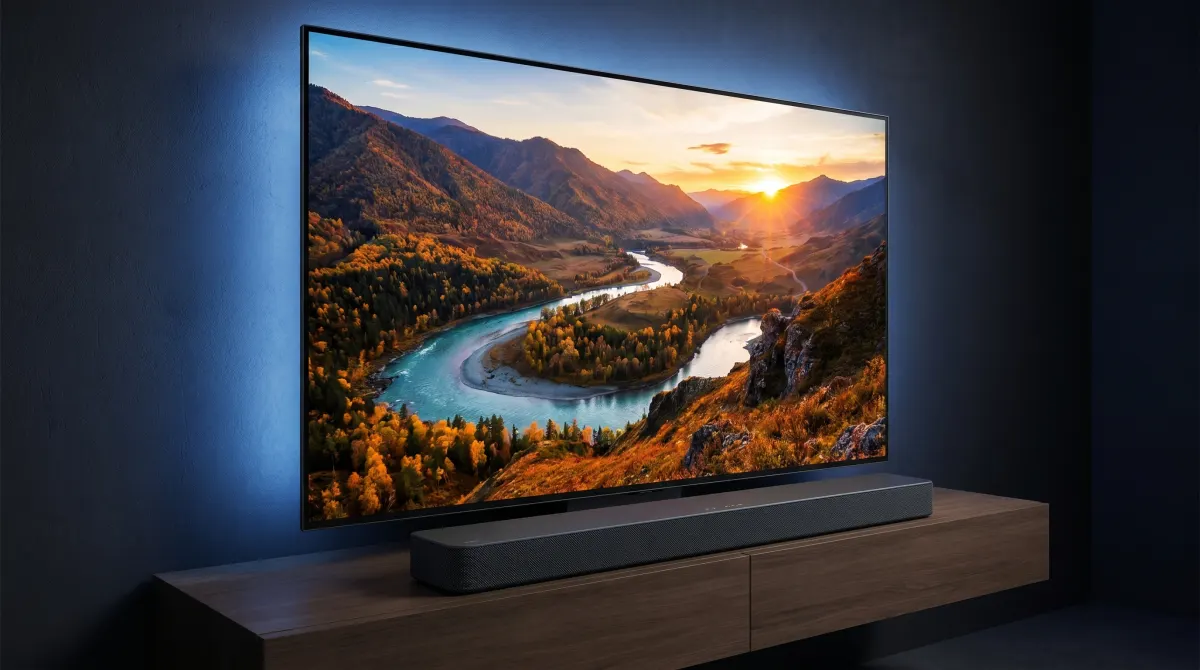
In the current era of home entertainment, simply having access to a channel list is no longer enough. Discerning viewers demand a level of visual fidelity that matches the capabilities of their modern 4K and 8K hardware. This is where show iptv sets itself apart from the competition. By prioritizing high-bitrate streams and advanced server architecture, the service ensures that every frame delivered to your screen is of the highest possible quality. Whether you are a fan of fast-paced live sports or a cinema buff looking for the deepest blacks and most vibrant colors in a film, understanding the technical nuances of your stream is essential.
Quality streaming is a combination of provider excellence and user-side optimization. While the backend provides the raw data, your local setup determines how that data is interpreted and displayed. In this guide, we will explore how to unlock the full potential of show hd iptv, looking at everything from bitrate technicalities to hardware calibration. By the end of this article, you will have a professional-level understanding of how to maintain a pristine viewing experience without the common pitfalls of digital artifacts or resolution drops.
Understanding High-Bitrate Content with Show IPTV
When users discuss "quality," they often focus solely on resolution (like 1080p or 4K). However, the real secret to a crisp image lies in the bitrate—the amount of data processed per second. A low-bitrate 4K stream can often look worse than a high-bitrate 1080p stream because of compression artifacts. show iptv focuses on delivering a "heavy" stream, meaning less compression and more original detail.
The Difference Between Resolution and Bitrate
Resolution tells you the number of pixels on the screen, but bitrate tells you how much information each of those pixels carries. When you watch show hd iptv, you are benefiting from a higher-than-average bitrate that preserves the grain and texture of the original film or broadcast. If the bitrate is too low, the encoder has to "guess" what the pixels should look like during fast motion, leading to the dreaded "blocky" effect often seen in inferior services.
To truly appreciate the difference, compare a standard broadcast to the streams found on our service. The clarity in the background of scenes and the lack of "noise" in dark areas are direct results of our commitment to high-bitrate delivery. For a deeper look at the technical specifications we support, you can read our Show HD IPTV Features: Streaming Quality & Device Support.
Why Show HD IPTV Demands Stable Connections
Because high-bitrate streams carry more data, they are more sensitive to fluctuations in your internet connection. A standard stream might only require 5-10 Mbps, but for a true show iptv hd experience, you need a connection that can handle consistent bursts of data without dropping packets. If your connection jitters, the buffer empties faster than it can refill, leading to a pause in your entertainment.
Maintaining stability is just as important as having raw speed. This is why we recommend users check their local network health regularly. If you find that your stream is underperforming, our Show IPTV Internet Speed Requirements Guide provides a baseline of what you need for various quality tiers. Ensuring your network is optimized allows the server to push the maximum amount of data to your device, keeping the image sharp and the motion fluid.
Optimizing Your Display for Show IPTV HD
Your television or monitor is the final stage of the streaming journey. Even the best show iptv signal can be hampered by poor display settings. Modern TVs come with "out-of-the-box" settings that are often designed for bright showroom floors rather than comfortable home viewing.
Calibrating Your 4K Television
To get the most out of show iptv hd content, you should disable most "auto-enhancement" features. Settings like "Motion Smoothing" or "Live Color" often introduce artificial processing that clashes with the high-quality source material provided by the service. Instead, look for a "Cinema" or "Filmmaker Mode" which aims to reproduce the colors exactly as the director intended.
Brightness and contrast should also be adjusted based on your room's lighting. If you are watching movie show iptv in a dark room, lowering the backlight while maintaining high contrast will help you see the details in the shadows of noir films or horror movies. Proper calibration ensures that the high-bitrate data we send is accurately reflected in the light coming off your screen.
Best HDMI Cables for Uninterrupted Streaming
If you are using an external streaming box like an Nvidia Shield or an Apple TV to access your subscription, the cable connecting it to your TV matters. For 4K show hd iptv content, you should be using at least an HDMI 2.0 cable, although HDMI 2.1 is preferred for future-proofing. Lower-quality cables can struggle with the bandwidth required for HDR (High Dynamic Range) and high-frame-rate content, causing the screen to flicker or the resolution to downgrade automatically.
Check the labels on your cables for terms like "High Speed" or "Ultra High Speed." Replacing an old, worn-out cable is one of the cheapest and most effective ways to improve your show iptv experience. If you are experiencing technical glitches that seem hardware-related, our Fix Buffering & Improve Show IPTV Quality guide covers several other hardware checks you can perform.
Curating Your Library with Movie Show IPTV
One of the greatest advantages of a premium subscription is the access to an expansive Video on Demand (VOD) library. Managing this library effectively ensures that you spend more time watching and less time scrolling.
Finding 4K and HDR Show IPTV Movies
Our VOD section is frequently updated with the latest releases. To find the highest quality show iptv movies, look for the "4K" or "UHD" tags in the title or category descriptions. These files are specifically encoded to take advantage of high-end home cinema setups. Watching a movie show iptv title in 4K provides a level of detail where you can see every pore on an actor's face and every leaf on a tree in the background.
We take pride in the organization of our cinema section. For those who want to know more about the features available in our VOD player, such as multi-language subtitles and audio track selection, the Ultimate Guide: Movie Show IPTV & VOD Features is an excellent resource. These features are designed to give you a theater-like experience from the comfort of your couch.
Organizing Your Favorites for Quick Access
With thousands of options available, the "Favorites" feature is your best friend. We recommend categorizing your favorite show iptv hd channels and movies into custom lists. Most of our recommended apps allow you to group channels by genre, language, or even "Most Watched." This level of customization means that your personalized entertainment hub is always just a few clicks away.
Take the time once a week to prune your favorites list and add new discoveries. As new show iptv movies are added to the library, your watch list will become a tailored reflection of your unique tastes, ensuring you never run out of high-quality content to enjoy.
Performance Boosters for Show IPTV
For the "power user" who wants to squeeze every bit of performance out of their subscription, there are several advanced tweaks that can be applied to your setup.
Using Ethernet vs. Wi-Fi for IPTV
While Wi-Fi is convenient, it is susceptible to interference from other household electronics and physical barriers like walls. For the most stable show iptv experience, especially when streaming in 4K, a hardwired Ethernet connection is always superior. A Cat6 or Cat7 Ethernet cable provides a dedicated highway for your data, virtually eliminating the packet loss that causes buffering.
If running a cable across your house isn't feasible, consider using Powerline Adapters. These devices use your home's existing electrical wiring to transmit internet data, providing a more stable connection than standard Wi-Fi. Stable data flow is the backbone of show hd iptv, and a wired connection is the best way to guarantee it.
Hardware Accelerators and App Settings
Most modern streaming devices use "Hardware Acceleration" to decode video. This means the device uses a specialized chip to handle the video data rather than the general-purpose CPU. In your IPTV app settings, ensure that hardware decoding (often labeled as HW or HW+) is enabled. This reduces the load on your device, preventing overheating and ensuring that show iptv hd streams play smoothly without frame drops.
You can also adjust the "Buffer Size" in many advanced players. Increasing the buffer allows the app to store more video data in advance, which can smooth over minor blips in your internet connection. To ensure your hardware is fully compatible with these advanced settings, you can check compatible devices on our dedicated page.
Conclusion
Mastering your entertainment experience is about understanding the link between high-quality content and the technology used to deliver it. By focusing on bitrate, display calibration, and network stability, you ensure that show iptv performs at its absolute peak. Whether you are diving into the vast world of movie show iptv or catching a live global event, the tips provided in this guide will help you maintain a premium, high-definition standard.
A high-quality stream is an investment in your relaxation and enjoyment. Don't let poor settings or outdated hardware hold back your viewing potential. If you are looking to start or renew your journey with us, you can see our pricing plans to find the tier that best suits your household's needs. For any further technical questions, our FAQ is always available to help.
Ready to experience the future of television? Visit the Show IPTV home page today and transform the way you watch the world.