A Guide to MAG Boxes and STB Emulators for Show IPTV Users
For those who prefer a dedicated hardware experience, MAG boxes and STB emulators offer a stable and traditional way to enjoy Show IPTV with a familiar interface.
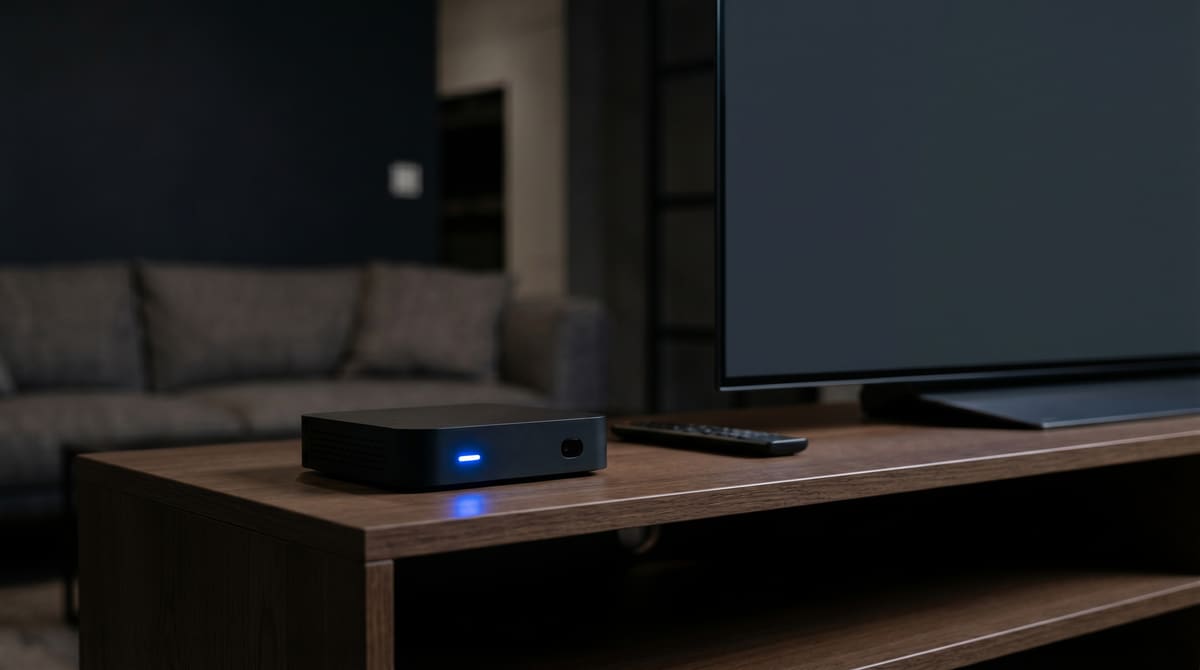
While many users enjoy streaming through apps on their phones or Smart TVs, a significant portion of the community prefers the "Set-Top Box" (STB) experience. Devices like the MAG box have become legendary in the world of digital streaming for their reliability and user interface. If you are looking for a dedicated device that feels just like a traditional cable or satellite receiver, this guide is for you.
What is a MAG Box?
A MAG box is a dedicated hardware device designed specifically for streaming. Unlike a multi-purpose device like a tablet, a MAG box is built for one thing: delivering high-quality show HD IPTV content to your television. It uses a "Portal" system, where the device connects directly to our servers to load the interface, the channel list, and the EPG.
For many users making the transition, as seen in our Show IPTV vs Satellite TV: Why Modern Viewers are Switching to Streaming, the MAG box offers the most familiar "channel flipping" experience.
The Benefits of Using Dedicated Hardware
Why choose a MAG box or a similar STB over a standard streaming stick?
Stability: Because the hardware is optimized for video decoding, you often experience fewer crashes.
User Interface: The layout is designed for a remote control, making it very easy for non-technical users to navigate.
Performance: These boxes are excellent at handling show IPTV movies and high-bitrate live streams without overheating.
If you are curious about which specific models are supported, our devices section provides a list of recommended hardware for our service.
Understanding STB Emulators
What if you love the MAG box interface but want to use your existing Android hardware? This is where STB Emulators come in. An STB Emulator is an app that "tricks" the server into thinking your Android Box or Firestick is actually a MAG box.
This allows you to enjoy the classic portal interface on modern, faster hardware. It is a popular choice for those following our Show IPTV Multi-Device Setup: Stream on Multiple Screens who want a consistent look across different rooms in their home.
How to Set Up Your MAG Box for Show IPTV
Setting up a MAG box is slightly different from using a standard M3U link. It requires a MAC Address.
Step 1: Locate your MAC Address (usually found on a sticker on the bottom of the device, starting with 00:1A:79).
Step 2: Provide this MAC Address when you sign up so it can be activated on our servers.
Step 3: In the MAG box settings, enter the Portal URL provided to you.
Step 4: Reboot the device, and it will automatically load the show IPTV movies and live channel interface.
Troubleshooting Common STB Issues
"Page Load Error": This usually means the Portal URL was typed incorrectly or your internet connection is down. Double-check your ethernet cable.
"STB Blocked": This occurs if the MAC address in our system doesn't match the one on your device. Contact support to verify your details.
Intermittent Freezing: Even though MAG boxes are stable, they still require a good internet connection. Ensure you aren't running heavy downloads on the same network while trying to watch show IPTV HD content.
MAG Box vs. Android TV: Which is Right for You?
Choosing between a dedicated MAG box and a versatile Android device depends on your priorities.
Choose a MAG box if: You want a simple, "plug and play" experience for family members who aren't tech-savvy.
Choose an Android Box (with STB Emulator) if: You want to use other apps like YouTube or Netflix on the same device while still having access to movie show IPTV content.
Regardless of the device you choose, the goal is always the same: crystal clear picture quality. MAG boxes are particularly good at handling "Raw" streams, which provide the highest possible bitrate for show IPTV movies. To ensure you are getting the full benefit, always use a high-speed HDMI cable and connect your box directly to your router via an Ethernet cable rather than relying on Wi-Fi.
The MAG box remains a gold standard for enthusiasts who value the traditional television experience. By combining this dedicated hardware with the power of Show IPTV, you get a reliable, high-performance entertainment system that the whole family can use.
Explore our latest subscription options and hardware tips on the Home homepage.