Show IPTV Multi-Device Setup: Stream on Multiple Screens
Why limit your viewing to one room? Learn how to set up Show IPTV on multiple devices so the whole family can enjoy show iptv movies and live TV.
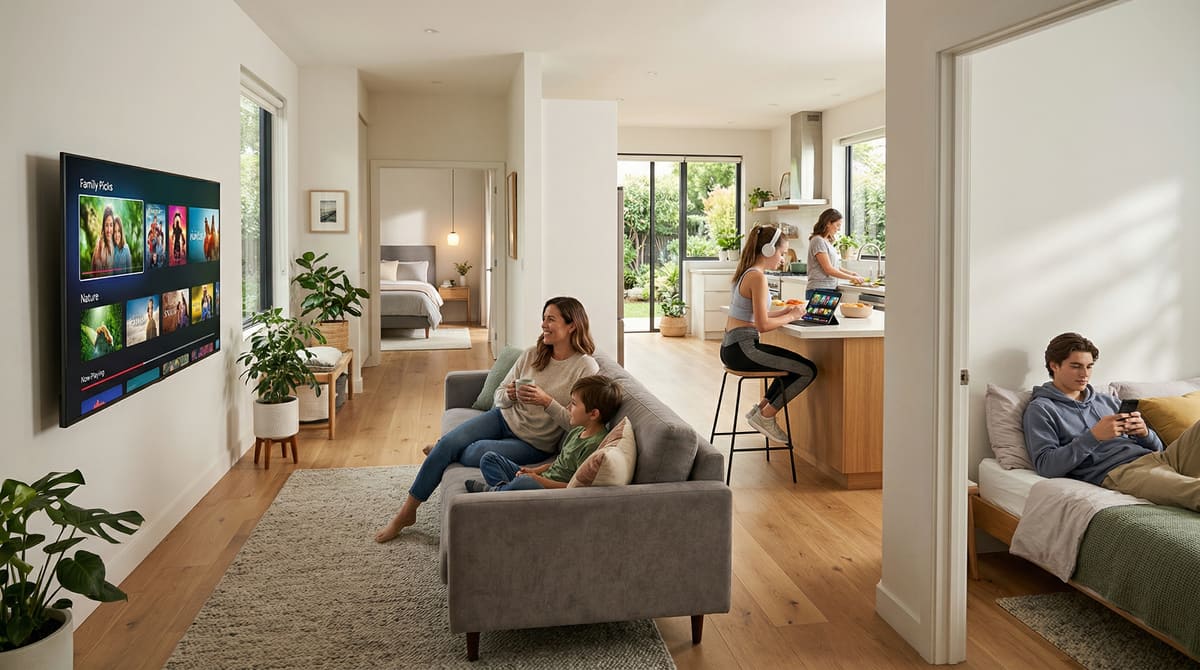
In the modern household, one screen is rarely enough. While you might want to watch the big game in the living room, someone else might want to watch show iptv movies in the bedroom, and another family member might want to catch up on the news on a tablet in the kitchen.
Show IPTV is designed to be flexible, but understanding how multi-device setups work is key to ensuring everyone gets a smooth, high-quality experience. In this guide, we’ll explain how to manage multiple connections and which plans support your family's needs.
Understanding Concurrent Connections
A "connection" refers to one device streaming content at any given time. If your plan supports one connection, you can install the service on as many devices as you like (TV, phone, laptop), but you can only watch on one of them at a time. To watch simultaneously on different screens, you need a plan that supports multiple connections.
You can compare the different options available on our pricing page to see which one fits your household size. Upgrading to a multi-room setup is often much cheaper than buying individual subscriptions for every family member.
Setting Up Your Primary Screen: The Smart TV
For most users, the main hub of entertainment is the Smart TV. This usually provides the most stable environment for show iptv hd streaming. If you haven't set up your main television yet, our Show IPTV on Smart TVs: What to Check Before You Subscribe provides a step-by-step walkthrough to get you started. Once the primary TV is configured, adding secondary devices becomes much easier.
Mobile Devices and Portability
The beauty of Show IPTV is that it isn't tethered to your house. You can use your subscription on smartphones and tablets. This is perfect for keeping the kids entertained in the car or staying updated while you're away from home. Simply download a compatible app from the devices page, enter your credentials, and you can enjoy movie show iptv content on the go.
Bandwidth Management for Multiple Screens
When you have three or four devices all streaming show iptv hd content at the same time, your home internet will be put to the test. Each HD stream requires about 15 Mbps. If you have four screens running, you’ll need at least 60 Mbps of dedicated bandwidth just for your IPTV service.
To ensure the best experience:
Use Ethernet for your main Smart TV.
Use the 5GHz Wi-Fi band for mobile devices to avoid interference.
Ensure your router is capable of handling multiple high-traffic streams simultaneously (look for "MU-MIMO" technology).
Choosing the Right Plan for Your Family
Not every family has the same needs. A single user might only ever need one connection, whereas a large household might need three or four. When you How to Choose the Right Show IPTV Plan for Sports, Movies, and Daily Viewing, consider not just how many people are in the house, but how many devices you want to have active during peak evening hours.
Maintaining Quality Across Devices
Regardless of which device you are using, we strive to provide show iptv movies in the highest resolution possible. Our servers automatically adjust to provide the most stable stream for the specific hardware you are using. Whether it's a 4K TV or a 10-inch tablet, the image should remain sharp and the colors vibrant.
Conclusion
Multi-device streaming is the ultimate way to bring harmony to your home entertainment. No more fighting over the remote or missing your favorite show because someone else got to the TV first. With Show IPTV, everyone gets their own screen and their own favorite content. Ready to upgrade your home setup? Visit our home page today to see our multi-connection packages and start streaming on every screen in your house.